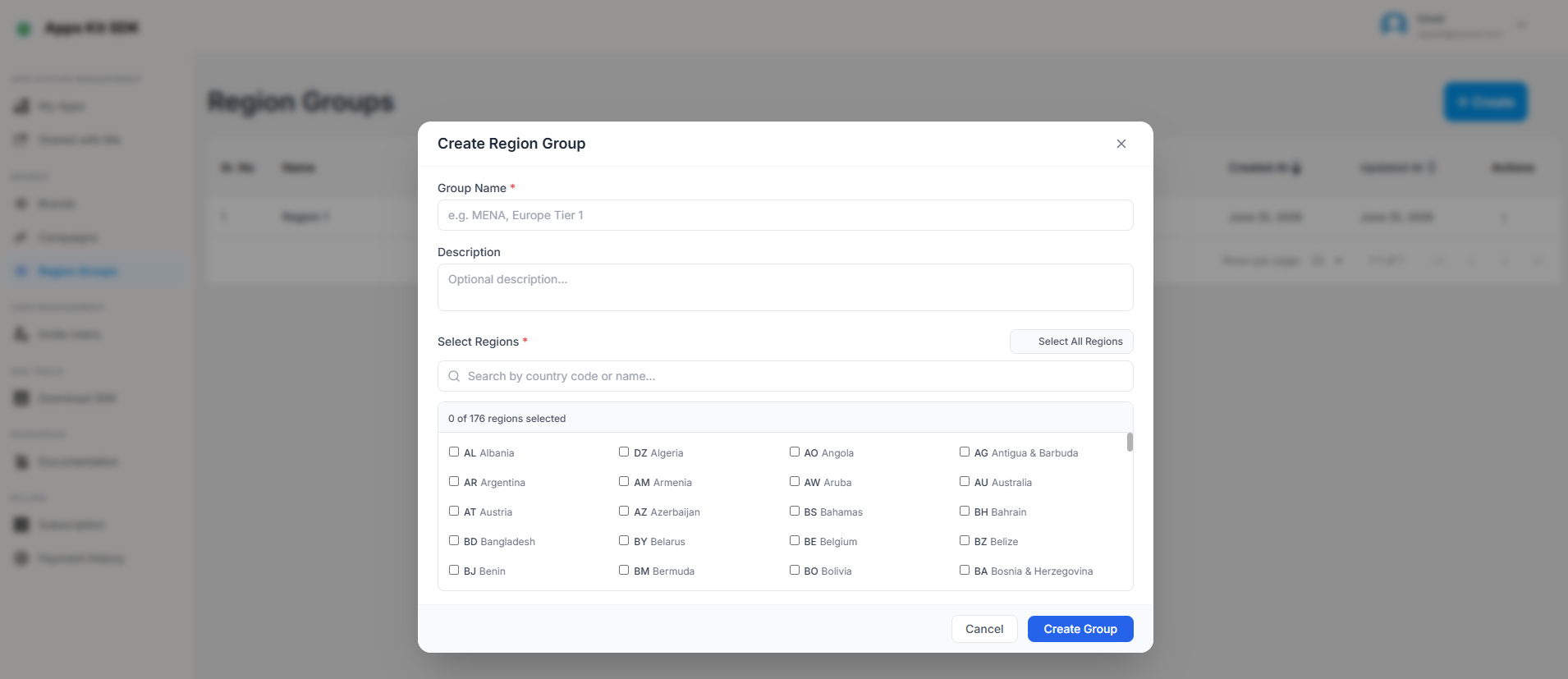
Region Groups
Region Groups let you define a named, reusable set of countries once — for example "Testing" or "Tier 1" — and reuse it anywhere a region selector appears in the rest of the Portal, most notably the App Details header (where picking a Region Group changes which Get Configuration string/groupId gets generated) and other app-level config overrides.

This is a genuinely different feature from the Campaign wizard's region picker (Step 3 above): Region Groups are named, saved, and meant to be reused across multiple apps/configs, with a much larger built-in country list (around 165 countries, used as a fallback if the live country list can't be fetched) than the Campaign wizard's regions picker (which falls back to a shorter 16-country list and is never named or reused — it's specific to that one campaign).
Creating or editing a group opens a modal where you name the group and multi-select its countries from the full list (with the same kind of "Select All" convenience).