Docs · Apps Kit SDK Portal
Brands
Brands group your apps by company or product line (for example, "Meta" or "Lupo Games"). They're used for filtering on My Apps and for targeting in Campaigns — when you set up a cross-promotion campaign, you choose which brands/apps it should publish into, and that picker is built around this same Brand grouping.
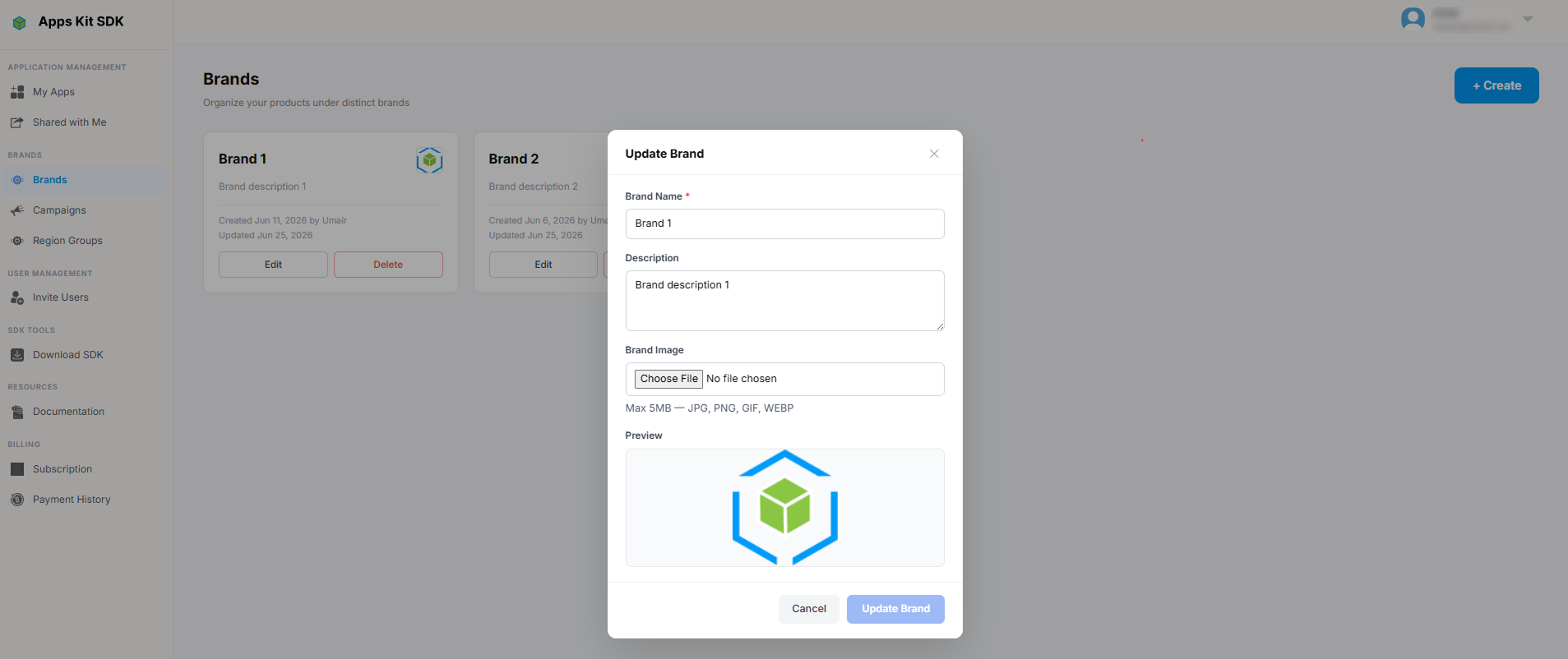
The Brands page (/brands) shows your existing brands as a card grid (rather than a table), each card showing the brand's image and name.

Adding or editing a brand opens a form with a Name field and an optional image upload (accepted types: JPEG, JPG, PNG, GIF, WebP; a 5MB size hint is shown). The Update button on an existing brand stays disabled until you've actually changed something — there's no "save" with no-op edits.