
Account
Two screens live outside the sidebar entirely and are reached from the navbar: your Profile and a dedicated Notifications page.
Profile
Reached from the "Profile" link in the account-menu dropdown (only visible when you're viewing your own account, not a switched/shared one). Despite being an edit screen, the page heading literally reads "Add Profile Details."
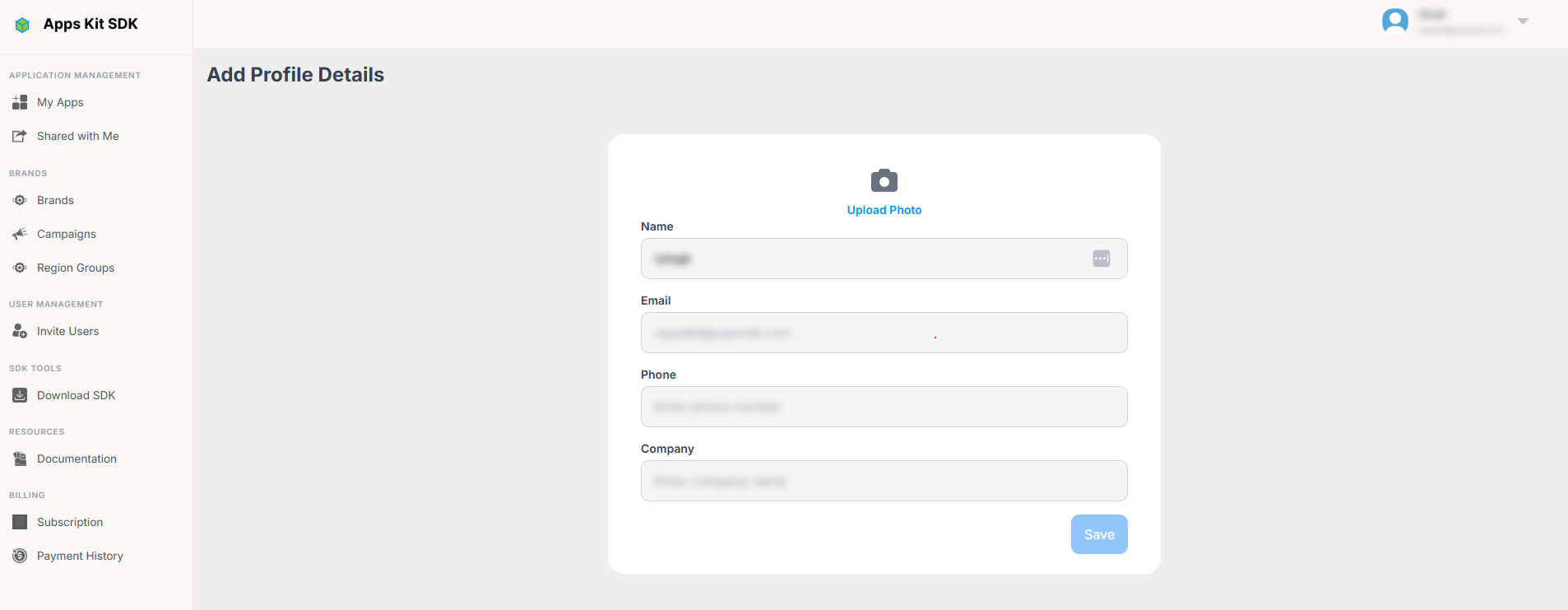
Fields:
- Name — letters and spaces only, maximum 50 characters.
- Email — shown, but read-only; you can't change your sign-in email from here.
- Phone — validated against a phone-number pattern, and rejects consecutive double spaces.
- Company — optional free text.
- Profile Image — optional upload, with a live preview as soon as you pick a file.
The Save button stays disabled until you've actually changed something on the form — there's no save with no-op edits.
Notifications
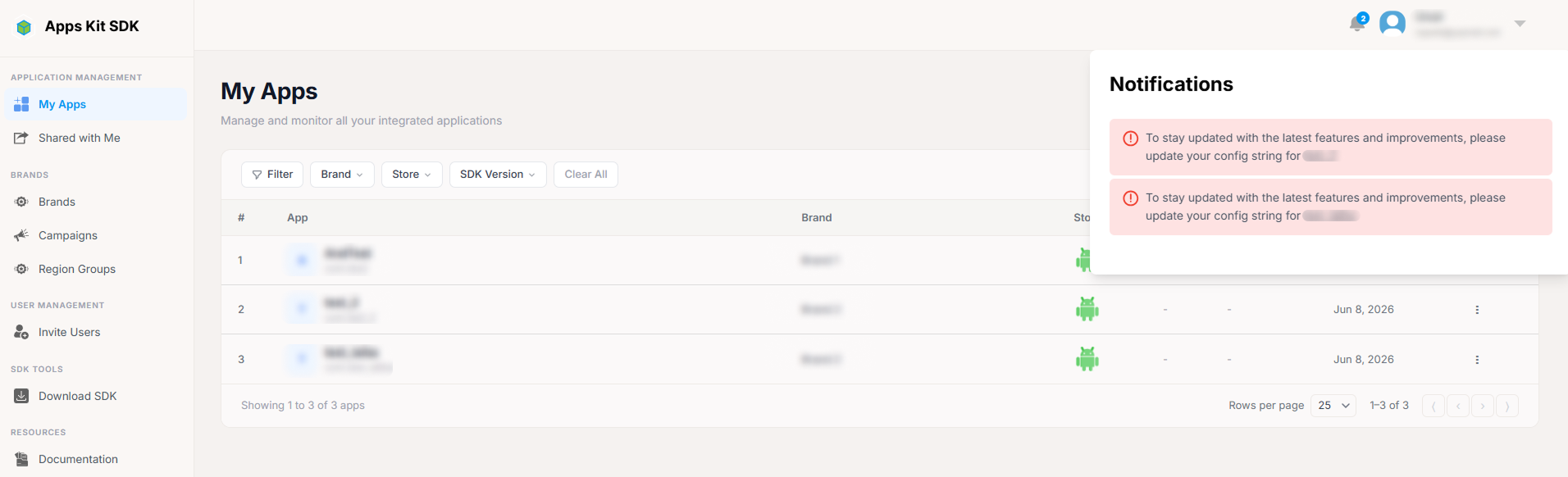
Beyond the navbar's notification bell (described in Getting Started above) and the Shared with Me page, My Notifications (/MyNotifications) is a third, separate surface — and it's deliberately the plainest-looking page in the Portal, with minimal styling compared to the rest of the UI.
It lists every invitation you've received as a simple card per invitation, showing: who invited you (name and email), Status (pending shown in orange, anything else in green), Expires At (a raw date), and a raw JSON dump of the invitation's permission metadata under a "Permissions" label — this is the one place in the Portal where permission data is shown unformatted rather than translated into friendly badges (compare this to the polished "Access to N Resource(s)" list in the Invitation Dialog, which shows the same underlying data far more legibly).
Pending invitations show Accept and Reject buttons right on the card, which work the same way as accepting/declining from Shared with Me — just via a different, simpler page.
In short, three different places surface invitations, and it's worth knowing how they differ: the notification bell (top navbar, quick glance, only on My Apps) is for general notifications including but not limited to invitations; Shared with Me (sidebar) is the polished, dedicated page for managing invitations you've received, with the rich Invitation Dialog; and My Notifications (account menu / direct link only) is an older, plainer listing of the same received invitations with raw permission data.